Components and page templates in Webflow

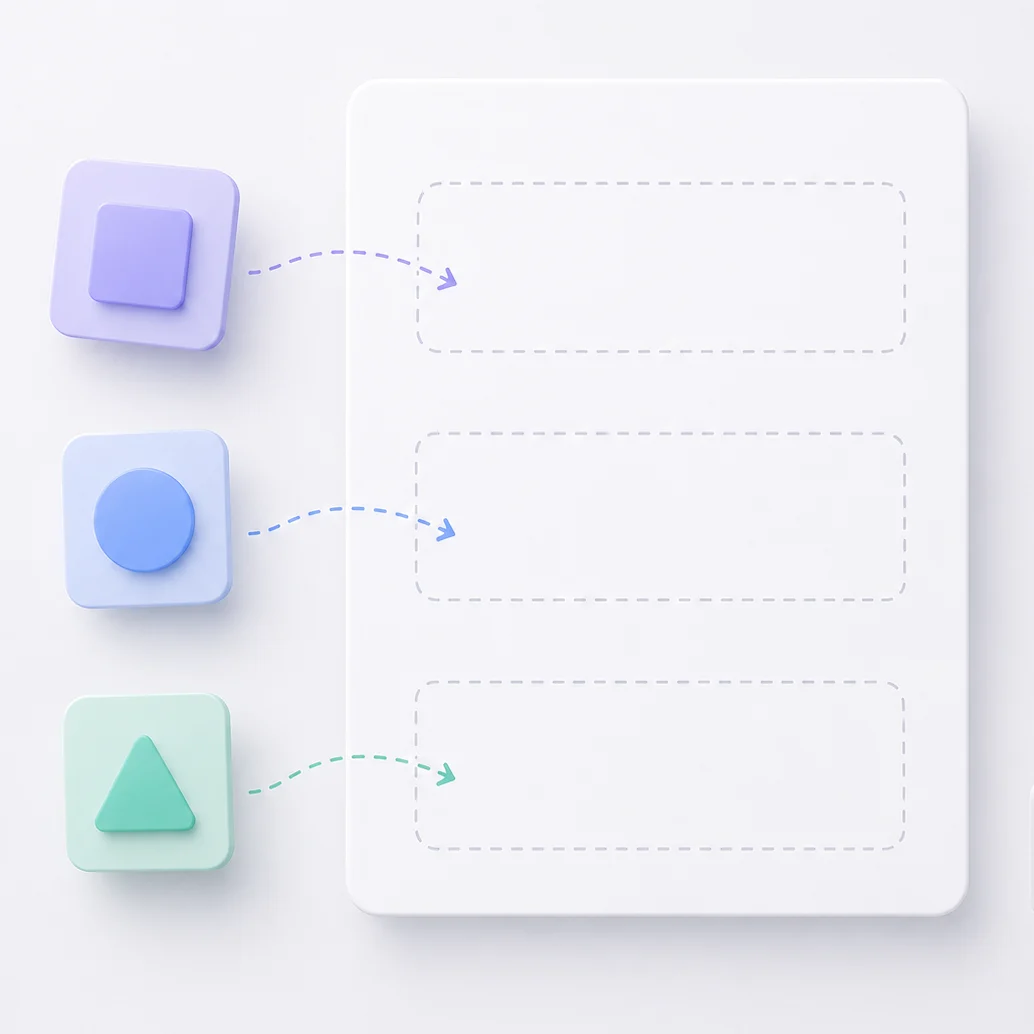
Webflow components give you the freedom to build pages yourself
Does this sound familiar? Publishing a new page means contacting a developer. A new campaign page, event page, landing page — the content is ready, but the page itself is missing.
Webflow websites can be built so that you can create completely new pages yourself — without the design or technical side suffering.
A ready-made structure, you design the content (page template)
In addition to regular pages, page templates are designed with a simple pre-built structure and basic elements ready and waiting. Every template has an empty space (component slot) that you fill however you like.
Page templates can be designed for different purposes, with certain building blocks already in place for specific use cases.
Very minimal and flexibel templates can also be designed where only the navigation and footer are in place, for example.
You build the page from building blocks made just for you (components)
Just drop ready-made building blocks into the empty space in the template — hero image, CTA box, text section, contact form, team presentation, whatever you want.
The building blocks are built specifically for you, so they work together, follow your brand and look great regardless of the order or combination you use them in.
You edit the content to fit your page
Once the building blocks are in place, you edit their content — texts, images, links — to fit that specific page. The structure and design stay in order throughout.
The result
You can build a campaign page, event page, landing page or anything you can dream of without needing help or waiting for a slot in your developer's calendar.
This doesn't happen by itself, though. The page turns out exactly how you want and looks great because the building blocks have been carefully built to fit your needs.
Components and page templates need to be designed and built with care, specifically for your needs.
Done well, they are one of the best features of a Webflow website.
Read more at webflow.
Like what you read?
You can mark me as a favorite source in Google, so you'll find yourself back to my content again!
(Also, we can reduce some AI-slop in the search results)