What is Webflow CMS, and is it worth paying for?

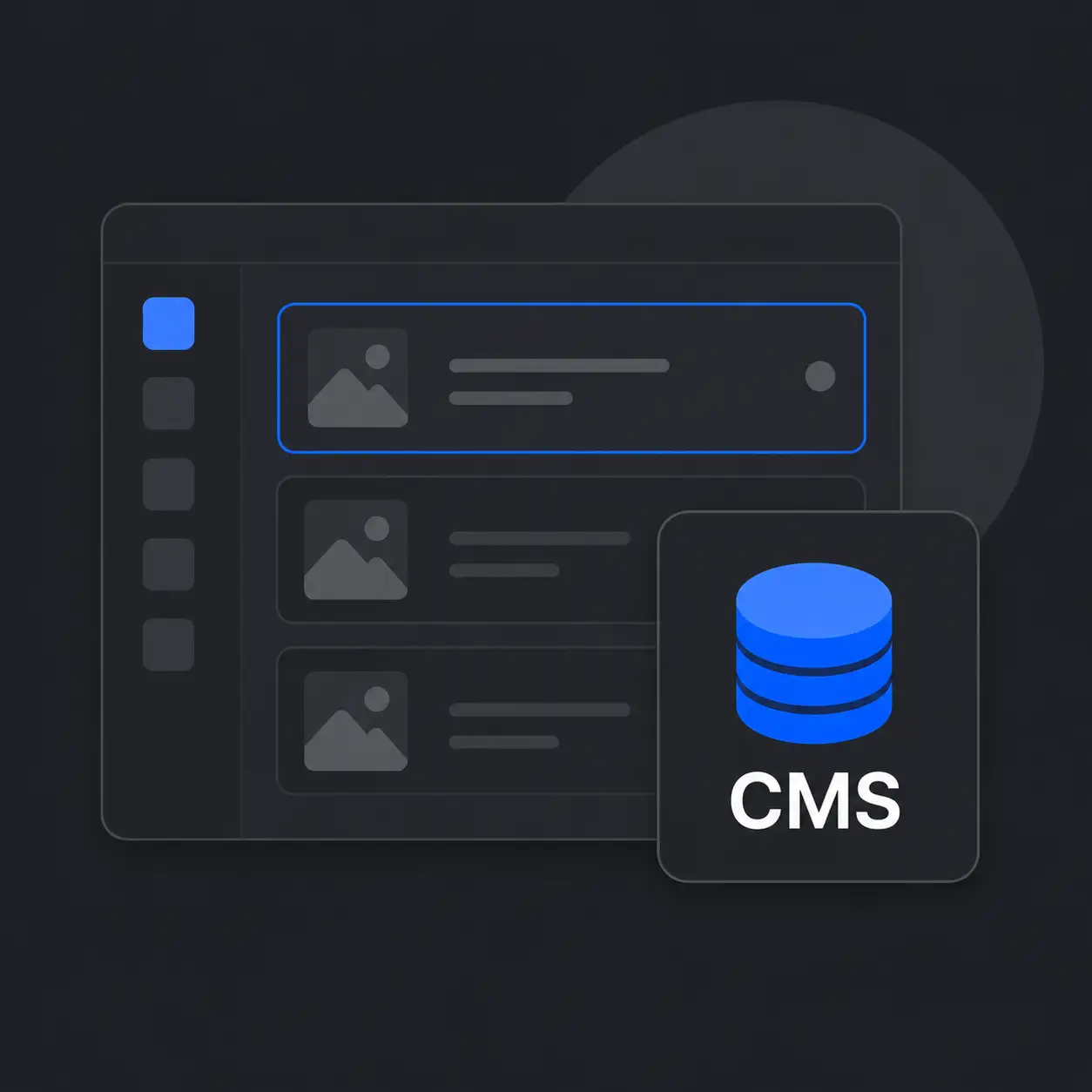
What does CMS mean in practice?
Webflow CMS (Content Management System) means that recurring content — news, blog posts, case studies, team profiles, and so on — has a ready-made structure and design.
=> You add a new blog post, and it gets its own page and automatically looks the same as all the previous ones.
Without a CMS, every new blog post or case study would need to be built manually as its own page or section, and added to the navigation separately. That's a lot of work — and the result might not look consistent. More often than not, you'd need a developer to help — one who bills by the hour.
With CMS you can easily organize content like news articles by topic, publish date, author, or any other attribute — making it simple for readers to find exactly what they're looking for on the page.
Do you really need it?
Almost always yes. The only situation where a CMS isn't necessary is a very simple brochure site or landing page — a few pages, content that rarely changes, no blog or other recurring content.
As soon as any of the following are involved, a CMS is worth it:
-Blog
-News section
-Service descriptions that get updated
-Case studies or customer stories
-Team profiles
-Events
-Open positions
etc.
What does Webflow CMS cost?
CMS is included in the Webflow Premium plan. It's not available in the Basic plan. In practice I recommend the Premium plan to almost all of my clients — A pure brochure site is pretty pointless for a company that wants to get the most out of their website.
Prices verified June 2026 — you can always find the current prices at webflow.com/pricing.
So in other words...
You'd need a pretty good reason to leave the CMS out.
It only stings once a year.
Like what you read?
You can mark me as a favorite source in Google, so you'll find yourself back to my content again!
(Also, we can reduce some AI-slop in the search results)